This review page is supported in part by the sponsors whose ad banners are displayed below |
 |
 |
Happy padding with the iPad.
|
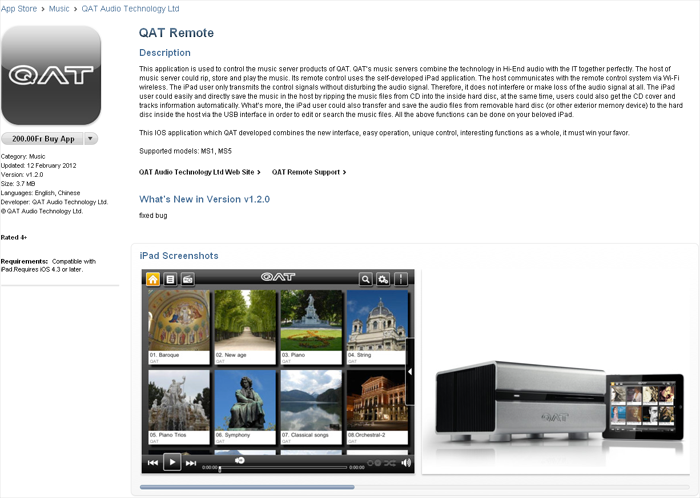 |
QAT's own pad is a $490 option. Apple's iPad is another starting at the same price. QAT's custom remote app may be downloaded directly from the iTunes App Store. It sports a few refinements over what came on my QAT loaner. More importantly the iPad's touch screen is bigger and more responsive and Apple's bidirectional comm protocol is faster and its wifi connection far more stable. Having compared both, the slicker iPad crushes its competition.
|
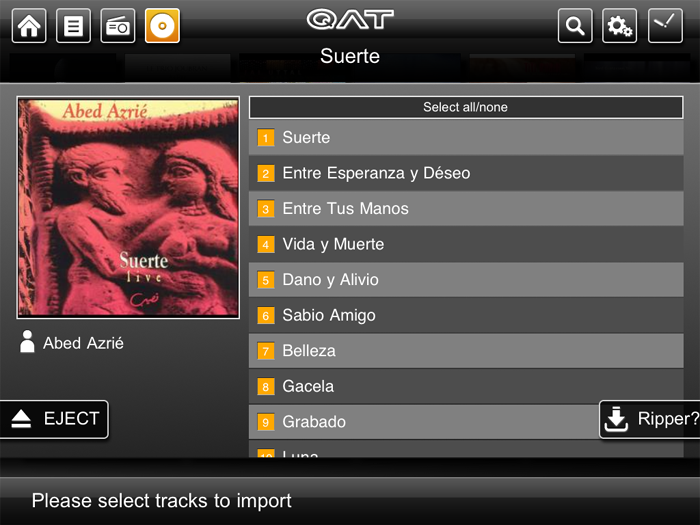 |
To start your importing, you'll be asked to select all or only specific tracks before you rip.
|
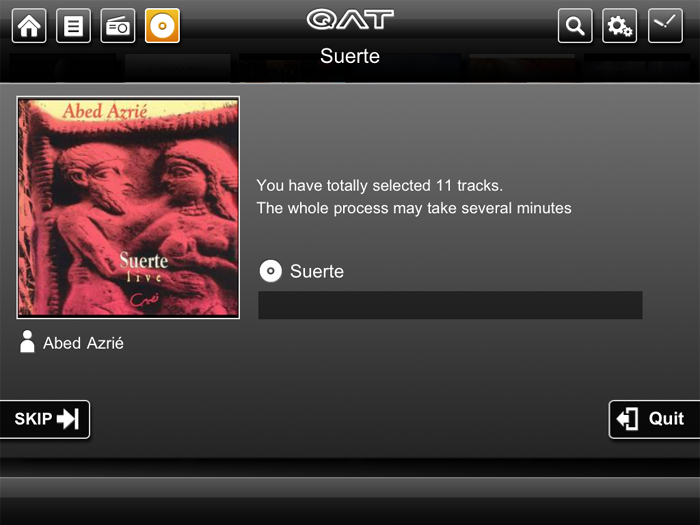 |
This screen will confirm your selection and that the ripping process is underway.
|
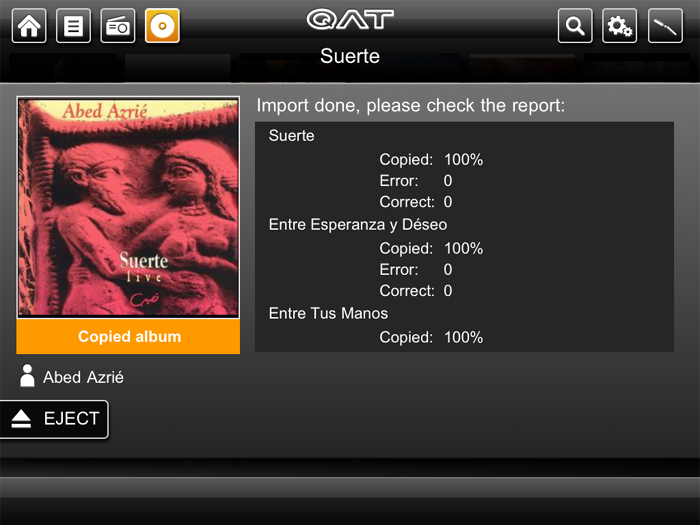 |
Once done, a scroll screen will show you the number of errors each track encountered [zero across the board for 23 albums I imported] and present the 'eject' prompt.
|
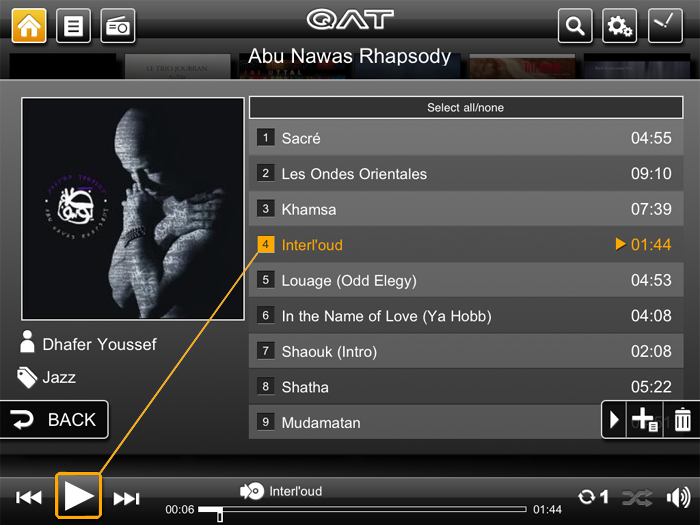 |
Drag'n'dropping a desired track into the 'play' button on the bottom task bar was a new convention. For that simply hold down a track until it turns orange, then drag the little music note icon that will appear. No need to pause the currently playing track.
|
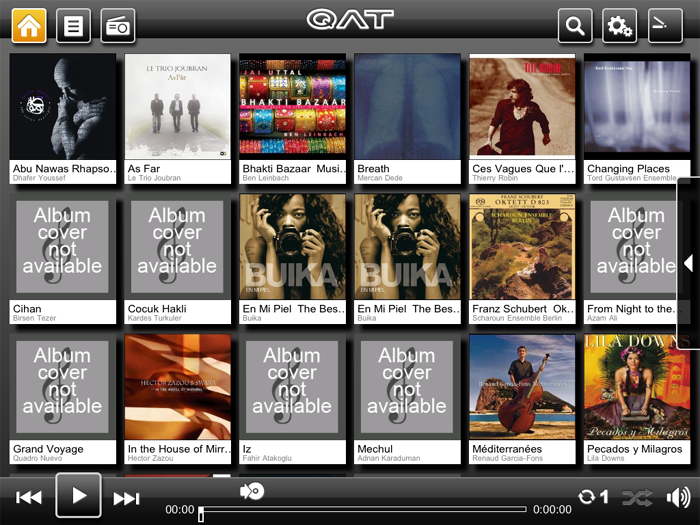 |
While the iPad can display seven covers across, the fourth row then gets partially obscured by the task bar at the the bottom. The best-looking gallery view presents 18 covers at a time as shown above.
|
|
|
|
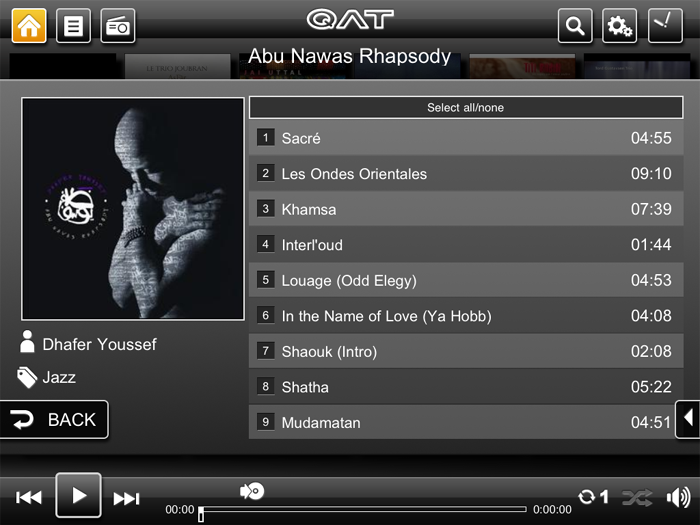 |
To edit meta data, tap on the cover art.
|
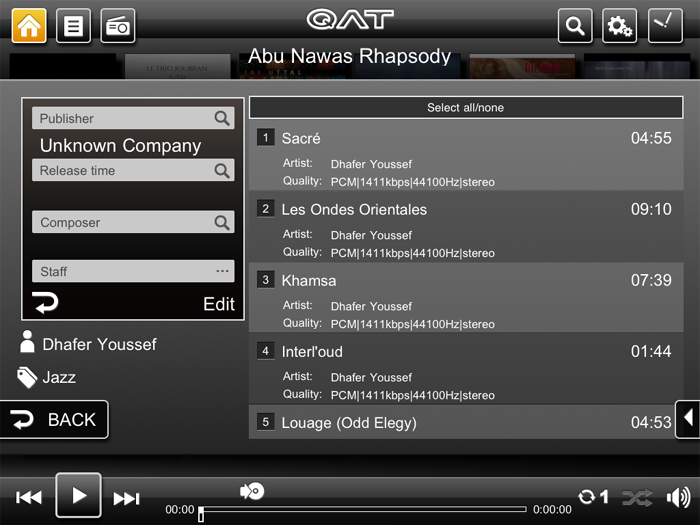 |
The cover will spin around and display an 'Edit' prompt.
|
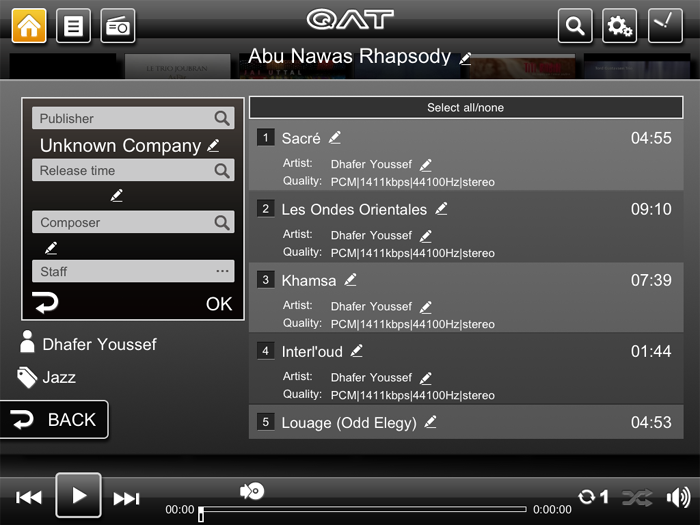 |
Tap on that and a pen icon will appear on all editable lines of text.
|
|
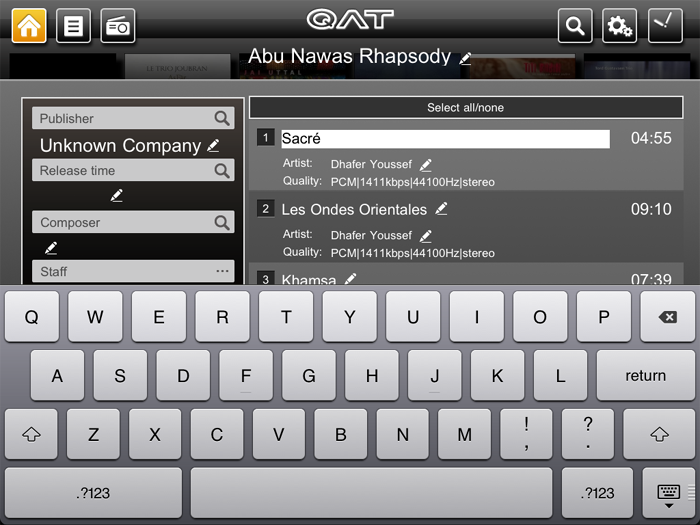
Tap any line to select it and the virtual keyboard will launch to make your edit.
|
|
|
|
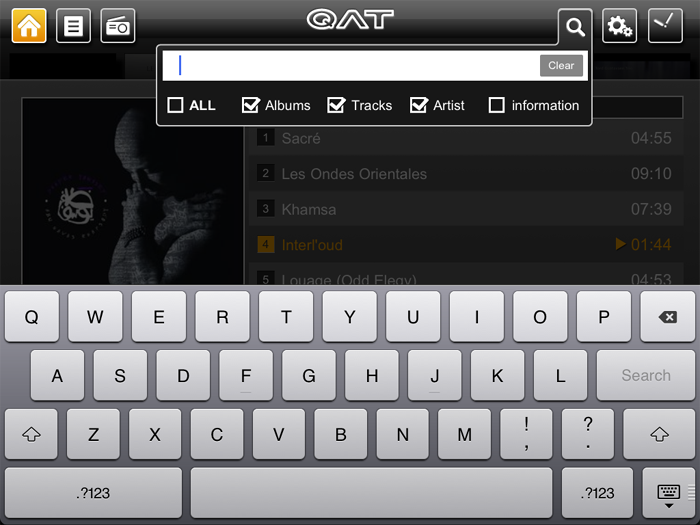 |
Tapping the magnifying glass icon on the top right opens the search function with the keyboard.
|
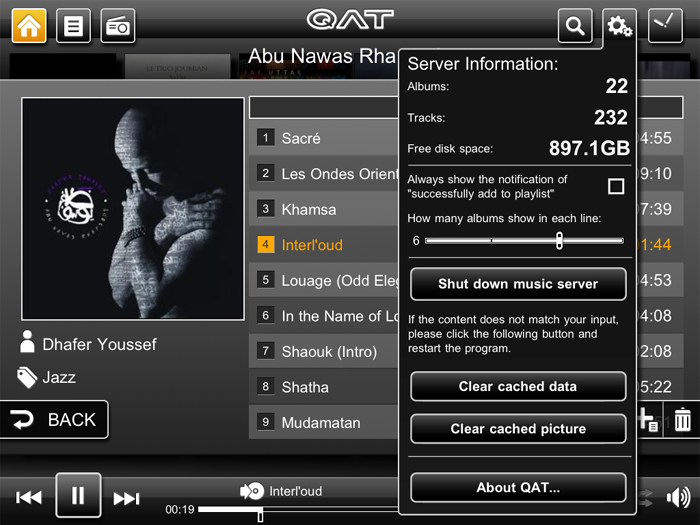 |
Tapping the meshing gear icon on the top right pulls down this window.
|
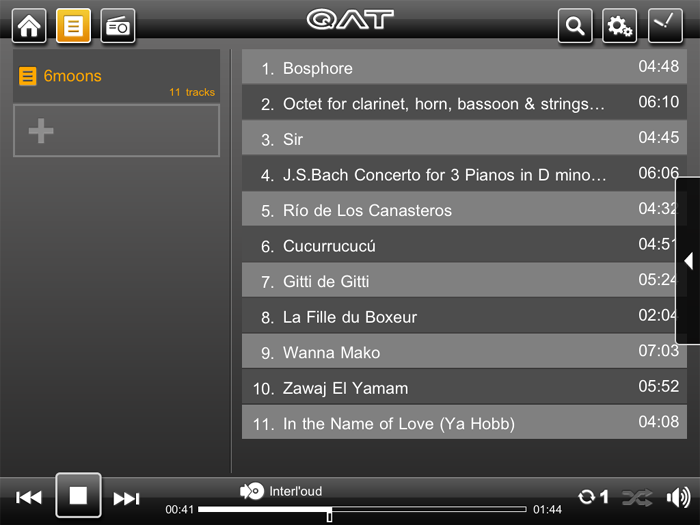 |
It's the usual drag'n'drop of tracks/albums into the playlist icon on the top left. If you have more than one playlist, a list will open to show them all. Tapping on the desired list releases your selection into it.
|
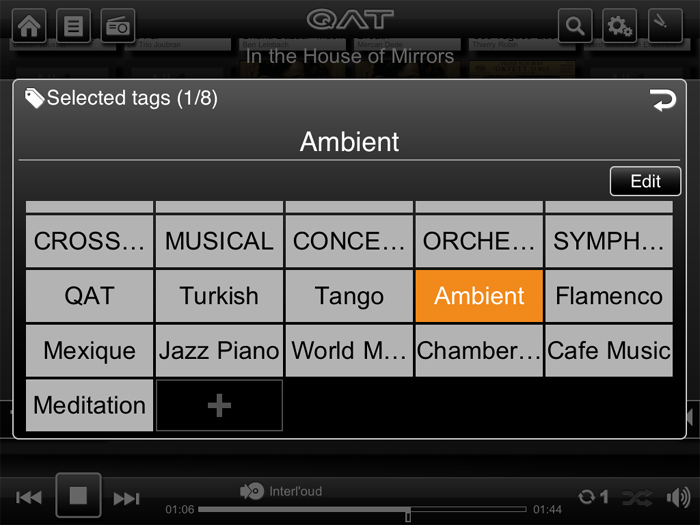 |
Clicking on the tag icon brings up this screen. You can create as many tags as you like and attach as many of them to any given album as you like.
|
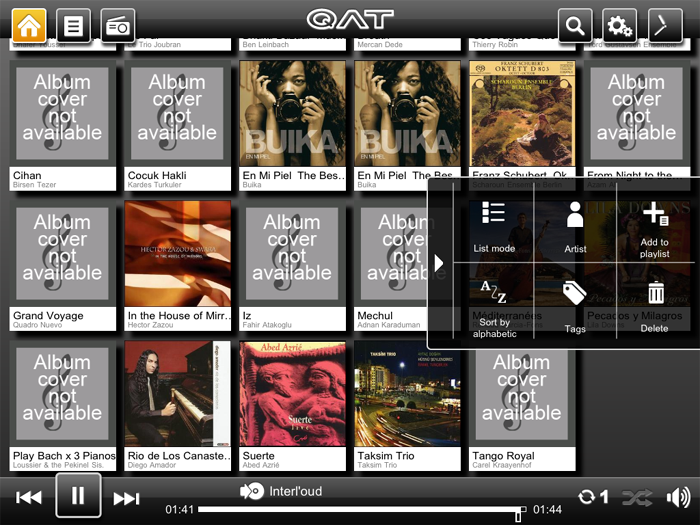 |
This pop-out window shows a few more easily accessible options
|
This little stroll down QAT Appenue should have demonstrated how interfacing with the MS5 via the iPad remote control is easy as pie. Just be sure to keep your iPad battery charged or you'll be out of tunes until you do.
|
 |
  |
 |